Virtuoso Facet Browser Featured Queries
The Virtuoso Facet Browser UI allows users to save Faceted View and iSPARQL queries as "Featured" queries for future reference. This requires the installation of the Virtuoso Facet Browser and iSPARQL VAD packages.
Usage
- If not already done, install the Facet Browser VAD application.
- Load the Virtuoso Facted Browser UI
http://cname:port/fct
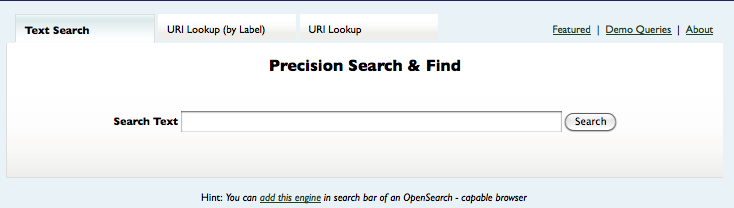
- Click on the
Featurelink in the top right of the page to load the Featured Queries page
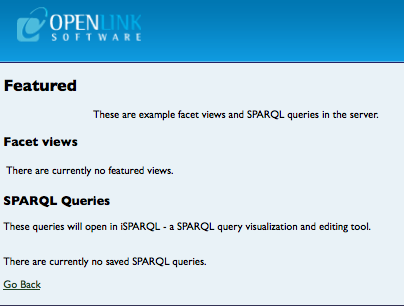
There are two form of queries that can be saved as detailed below.
Faceted Views
This allows the saving of the results from faceted searches in the Browser, to save such results:
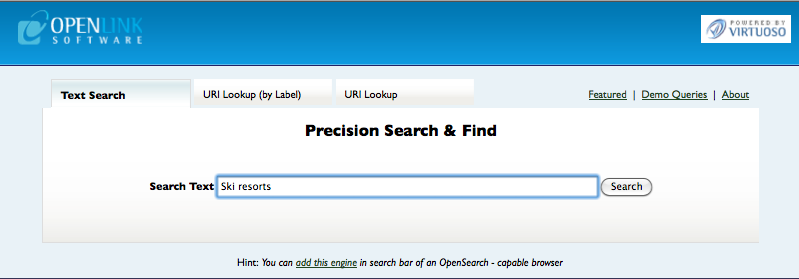
- Search for some sample text,
ski resortsfor example.
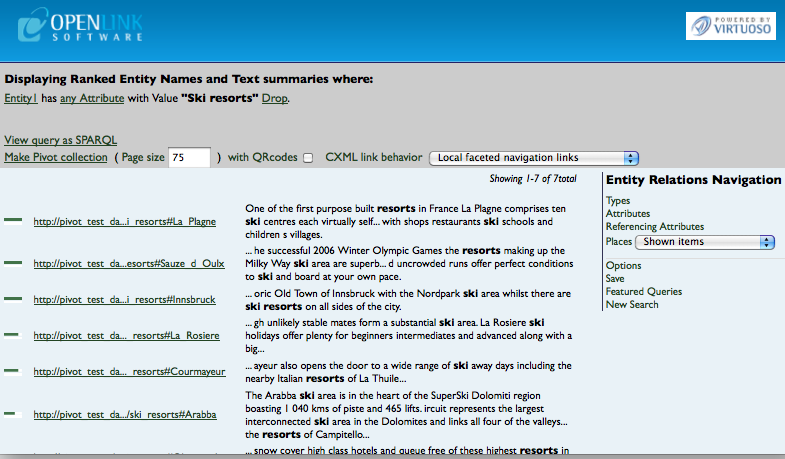
- Select the
savelink in the right frame of the results page
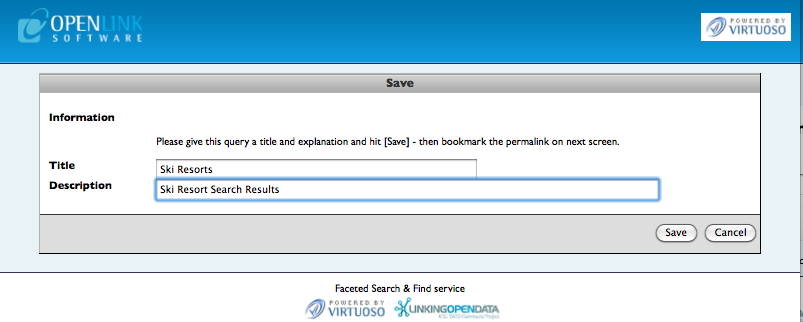
- Provide a
TitleandDescriptionfor the results page to be saved as
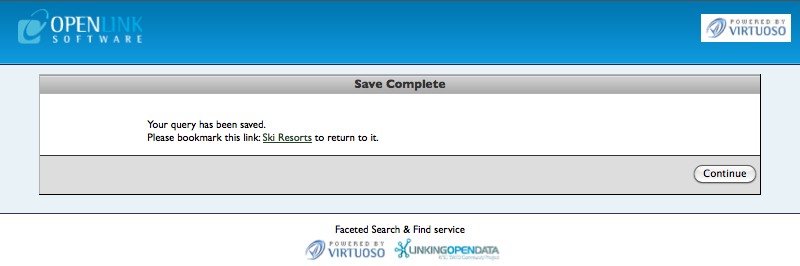
- Once saved click the
continuebutton to save to a table calledfct stored_qry
- This table then needs to be queried to determine the
fsq_idof the item added and itsfsq_featuredvalue set to 1 for it to be visible as a Featured query.
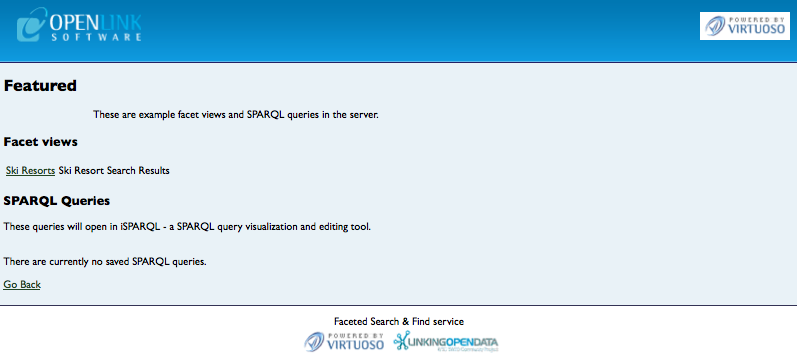
SQL> select * from fct_stored_qry; fsq_id fsq_created fsq_title fsq_expln fsq_state fsq_featured INTEGER NOT NULL BINARY VARCHAR VARCHAR LONG NVARCHAR INTEGER _______________________________________________________________________________ 1 2011-05-05 10:59:24.000001 Ski Resorts Ski Resort Search Results <query inference="" same-as="" view3="" s-term="" c-term=""><text>Ski resorts</text><view type="text-d" limit="20" offset="" /></query> NULL 1 Rows. -- 7 msec. SQL> update fct_stored_qry set fsq_featured=1 where fsq_id=1; Done. -- 3 msec. SQL> - The saved Facet View query is now visible in the Featured Queries page.
SPARQL Queries
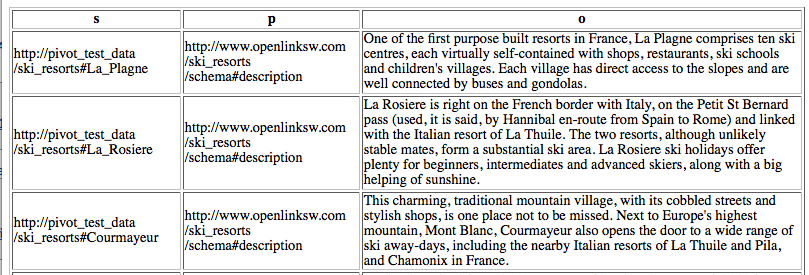
Queries from the Virtuoso Interactive SPARQL Query Builder (iSPARQL) application can be saved in the Facet Browser Feature Queries page and re-executed either from iSPARQL or the SPARQL endpoint, as follows:
- If not already done, install the iSPARQL VAD application from the
System Admin -> Packages"tab of the Conductor. - Run iSPARQL application from the URL
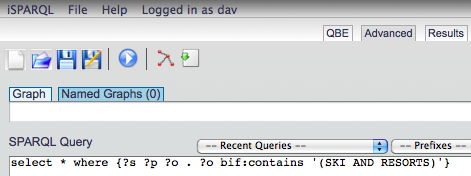
http://cname:port/isparql, login as thedavuser and from theAdvancedtab enter a SPARQL query of the formselect * where {?s ?p ?o . ?o bif:contains '(SKI AND RESORTS)'}.
- In the
Query Metadatadrop down frame of Advanced tab for the query, enter aTitle,DescriptionandCreatorfor the query to be saved.
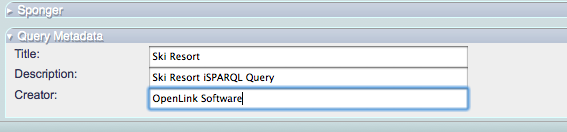
- Click on the
Saveicon button and navigate to the/DAV/home/dav/sparql_demo_queries/folder and save the query to filename with a.isqarqlextension. Note, if the/DAV/home/dav/sparql_demo_queries/folder does not already exist, manually create if using theWeb Application Server -> Content Managementtab of the Conductor.
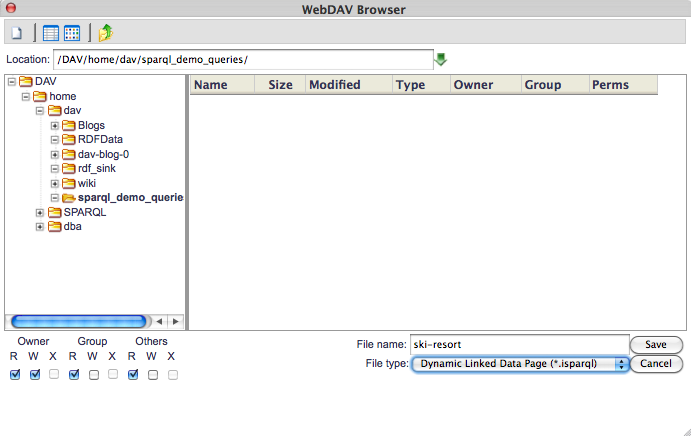
- Navigate to the
Featurequery link of the Facet Browser where the saved iSPARQL query is now visble.
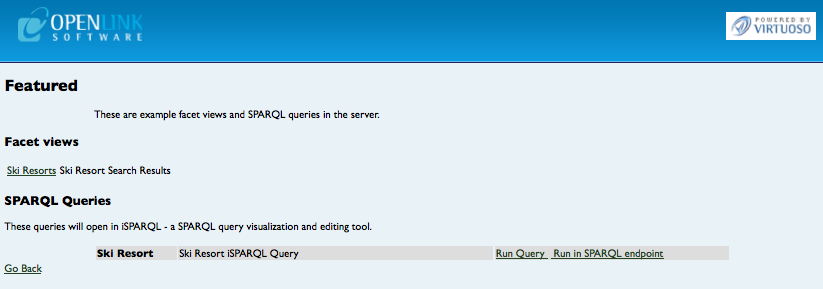
- Click on the
...iSPARQL Querylink to execute the query in iSPARQL.
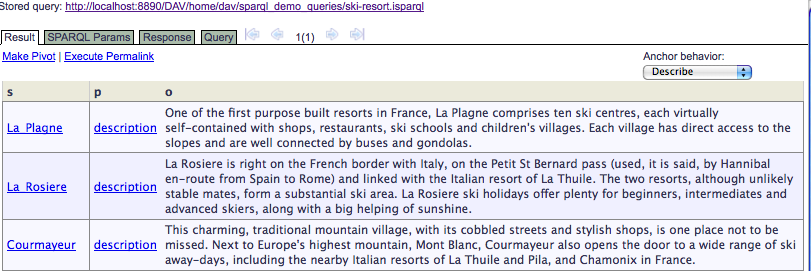
- Click on the
Run in SPARQL endpointlink to execute the query in iSPARQL.
Related
- Virtuoso Interactive SPARQL Query Builder
- Facets Web Service:
- Linked Data:
- Facet Browser Installation and configuration:
- Facet APIs:
- Pivot Viewer and CXML:
- Tutorials:
- Faceted Browsing Sample using LOD Cloud Cache data space
- SOAP Facets Example
- Querying The Facet Browser Web Service endpoint
- Visualizing Your Data With PivotViewer Using The Facet Browser
- Custom Controlling Virtuoso Labels for URI functionality Example
- Facets Web Service: Examples for customizing different types
- Facets Web Service: Choice of Labels Example
- Downloads: