Creating WebID? User Group in ODS-Briefcase
Here is a sample scenario how to create WebID? Protocol User Group in ODS:
- Log in in http://cname:port/ods
- Go to Profile Edit -> ACL Groups
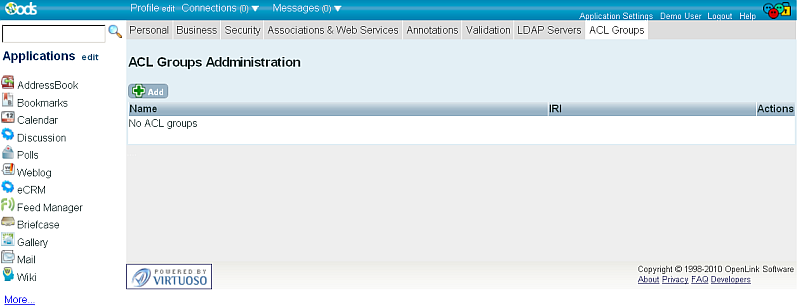
- Click "Add".
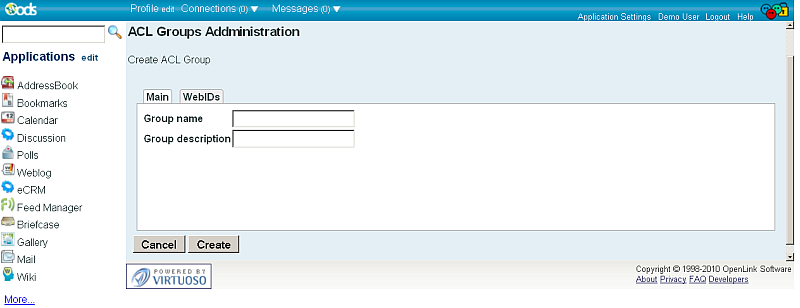
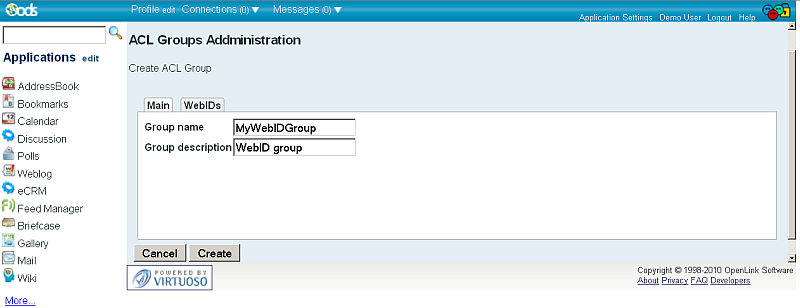
- Enter in the shown form group name and short description:
- Go to "WebIDs?" tab:
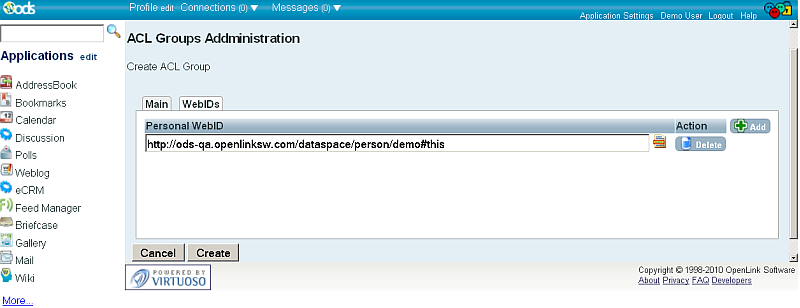
- Click the "Add" button
- Enter Existing Personal WebID?, for ex.
http://ods-qa.openlinksw.com/dataspace/person/Tom#this
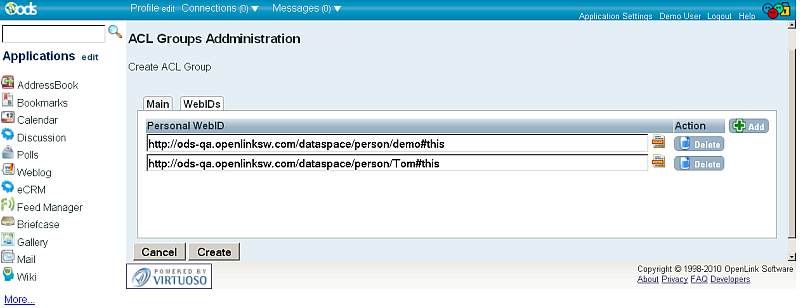
- In order to add new Personal WebID?, click again the "Add" button
- Enter another Personal WebID?, for ex.
http://ods-qa.openlinksw.com/dataspace/person/Anna#this
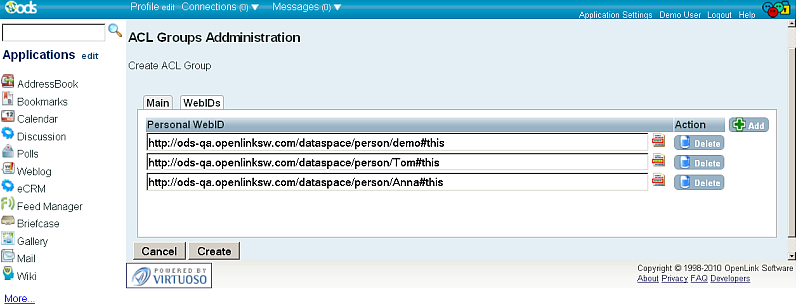
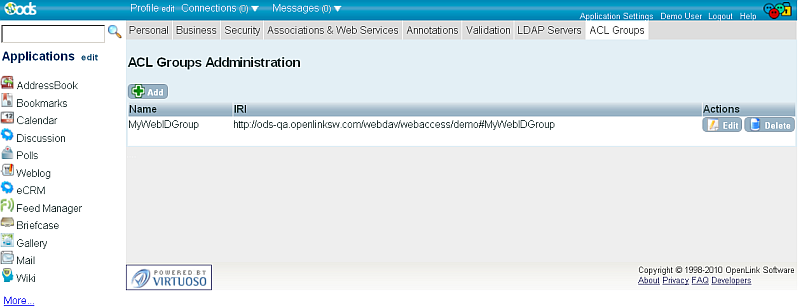
- Click "Create"
- As result your WebID? group will be created with IRI: http://host:port/webdav/webaccess/user-name#Group-Name ( so in our example it is: http://ods-qa.openlinksw.com/webdav/webaccess/demo#MyWebIDGroup ) and shown in the list of current WebIDs? groups